Create MP4
A short 5-second video is generated from one AI-created still image.
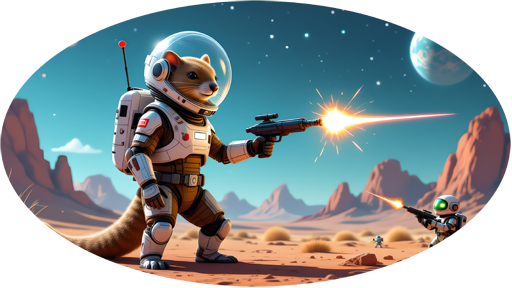
RDS Sprite Studio helps you find the right frames, build the spritesheet and test scale, hitbox, offsets and shot position. Directly in the browser, on your own webspace!
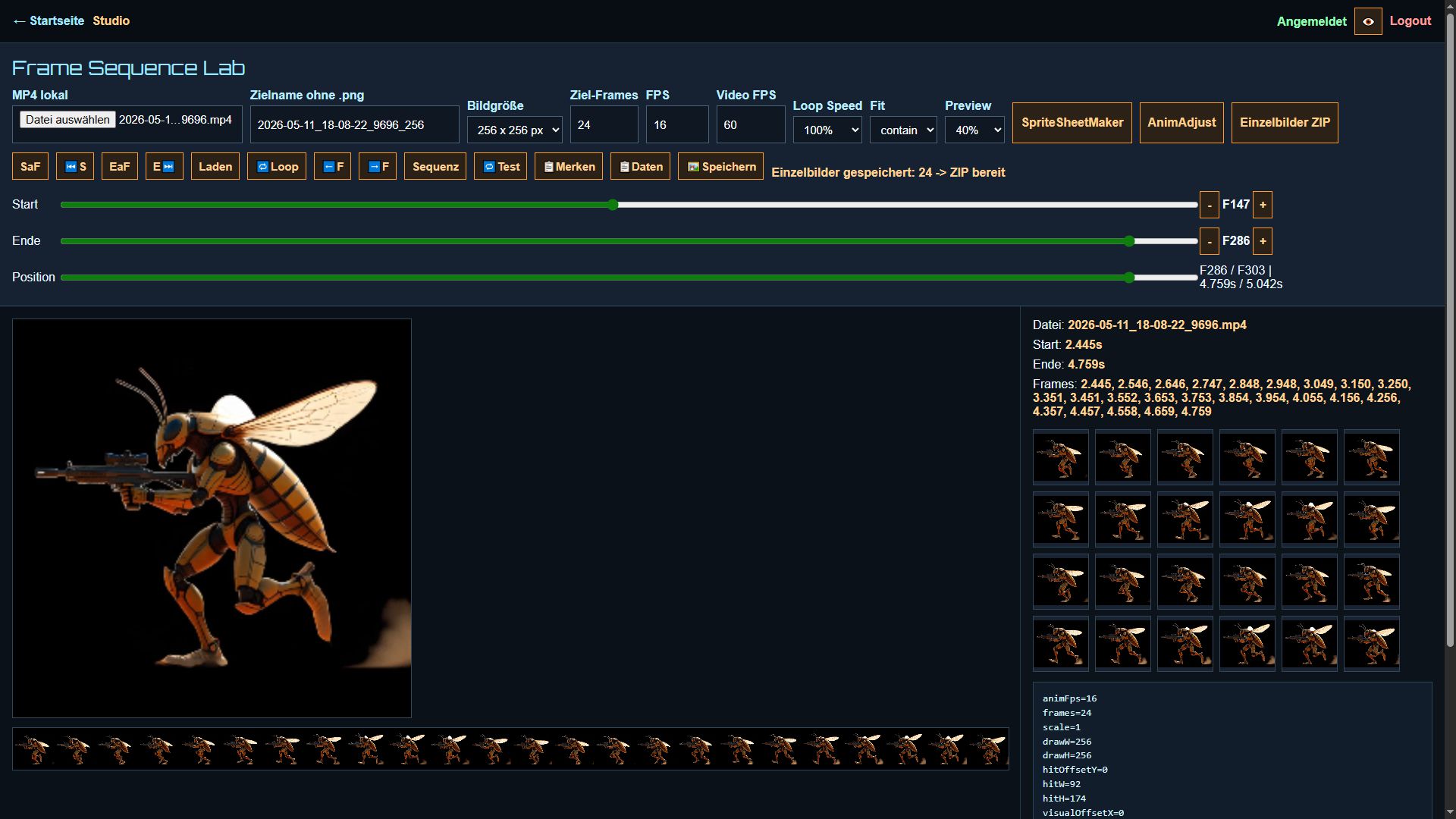
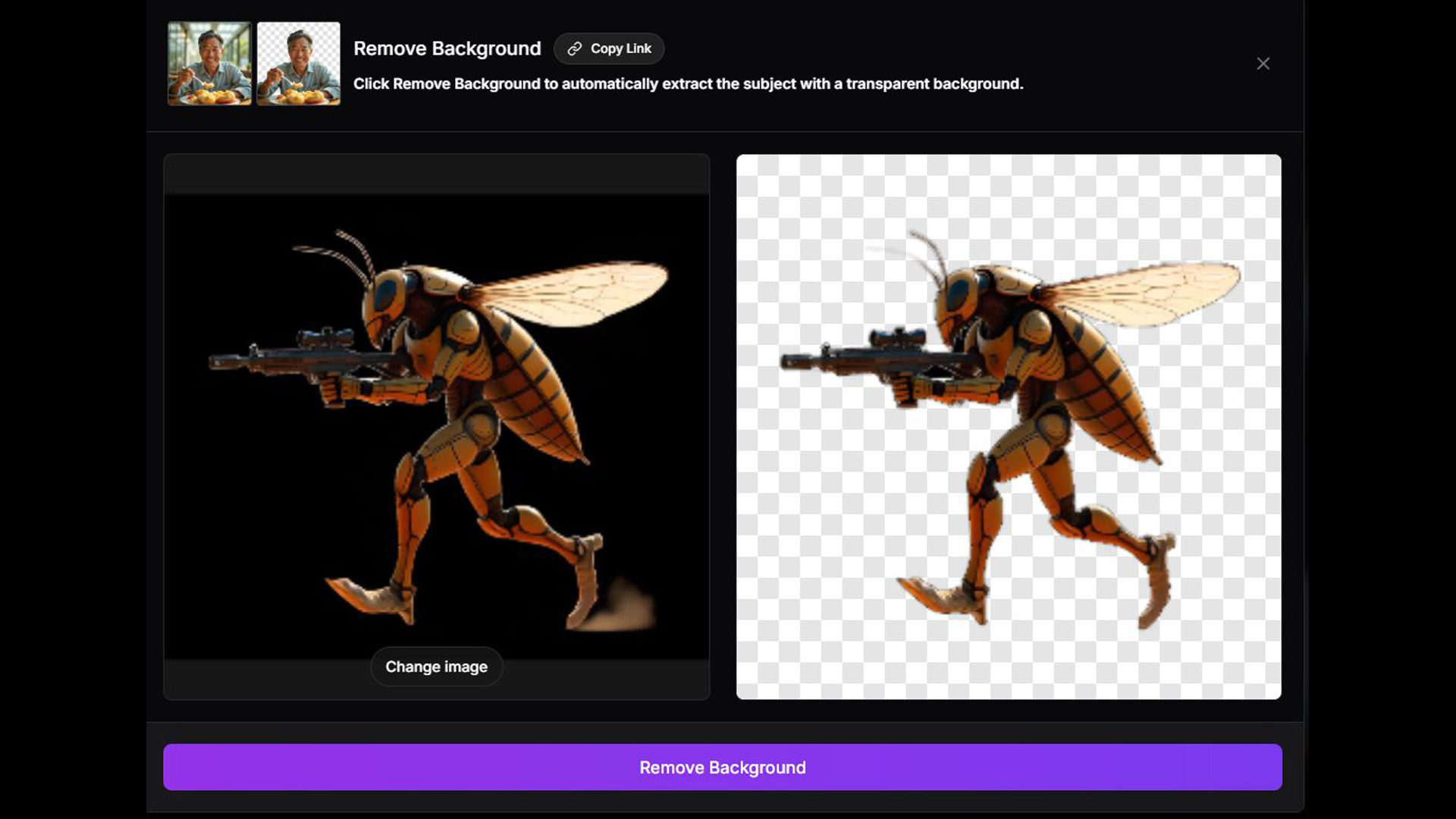
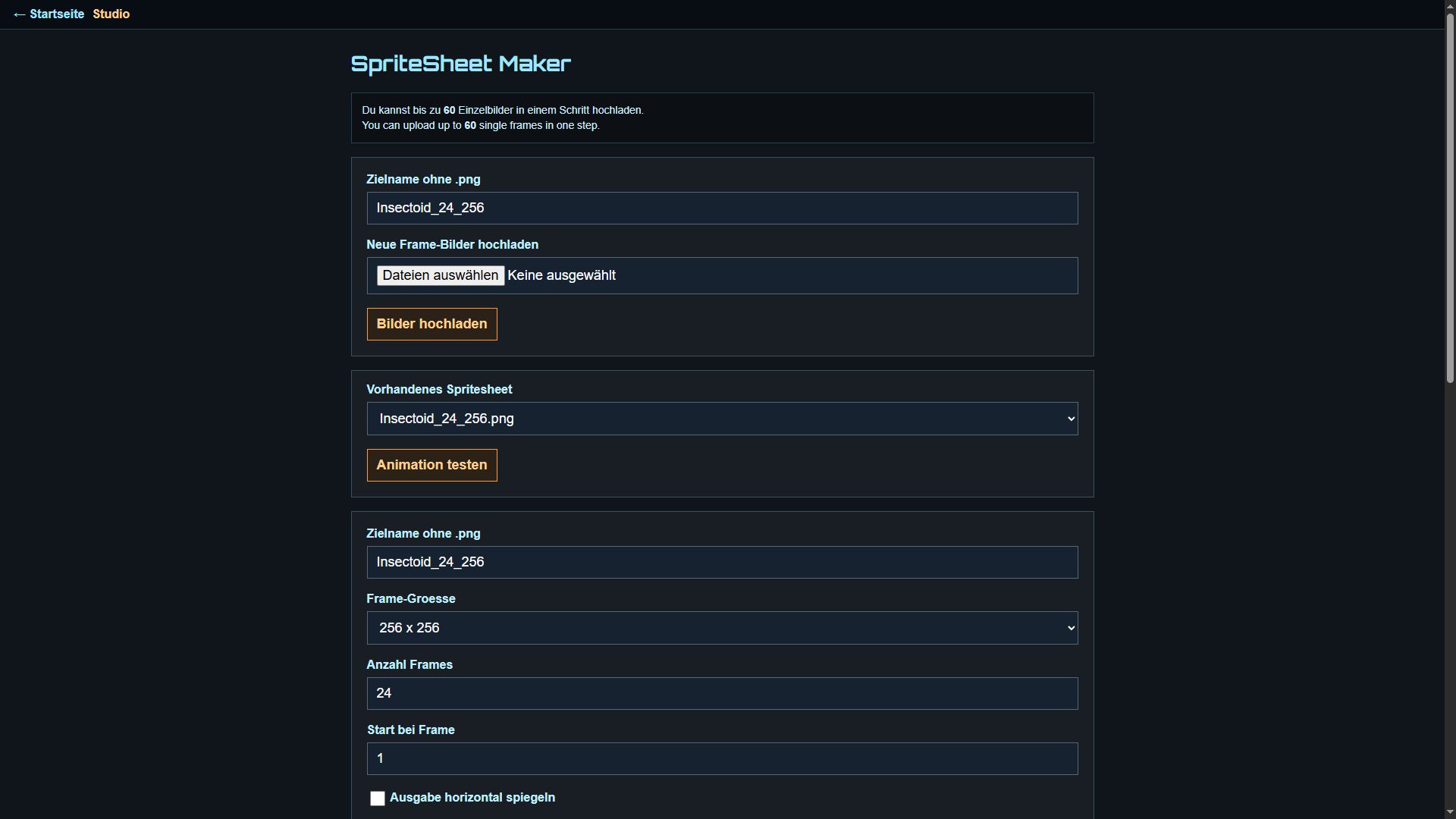
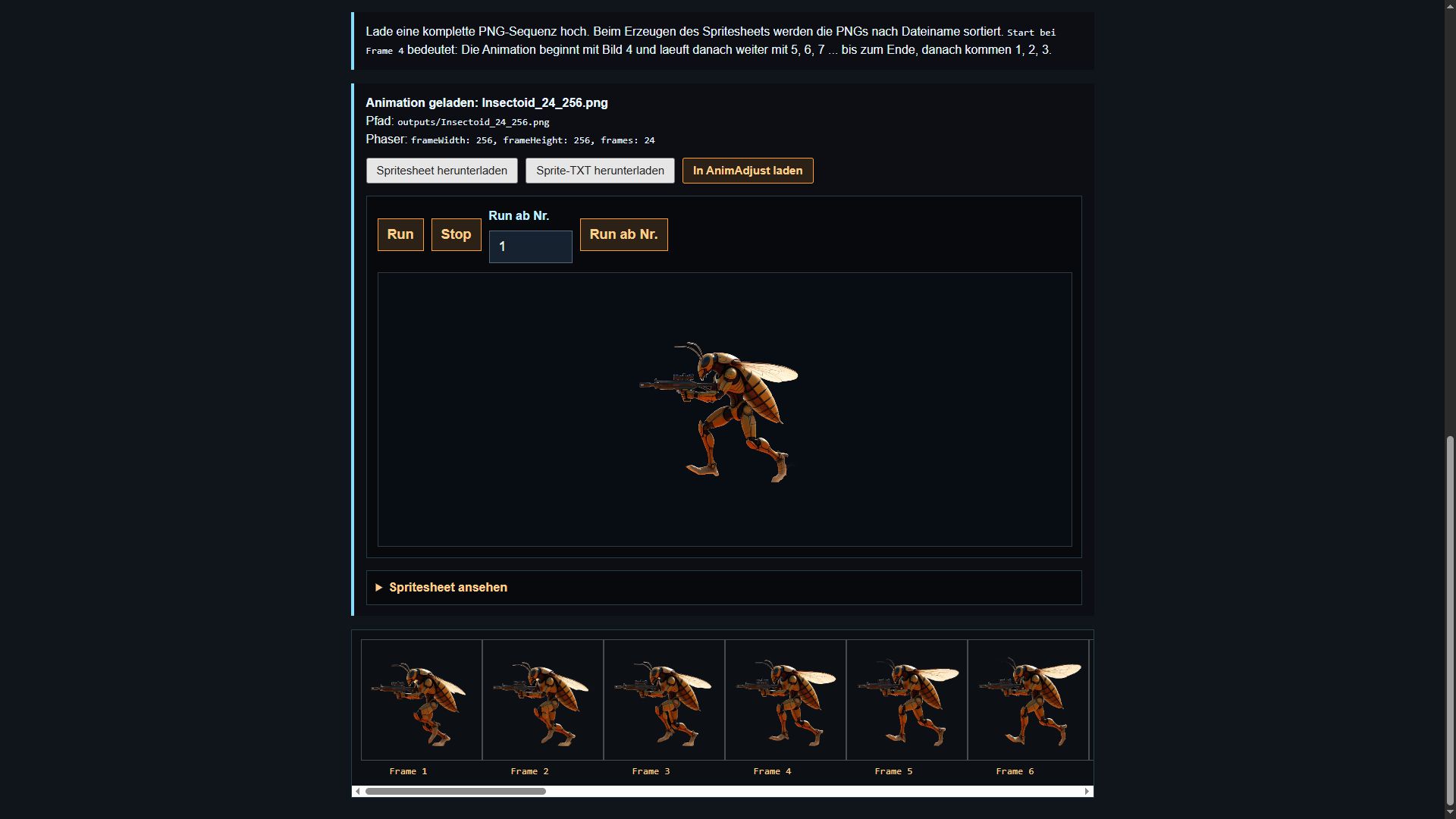
You immediately see whether the motion works: choose frames, build the spritesheet, test the animation and visibly adjust hitbox, scale, offsets and shot position.
A short 5-second video is generated from one AI-created still image.
Load the MP4, set start and end by slider, fraction of a second or frame, test the loop and calculate the matching single frames.
Load the single frames, choose the start frame and create a visually correct spritesheet.
Test the animation, adjust the values and download PNG plus TXT or move it into the test game.
The practical value is the short loop: generate, cut, test, correct, test again.
Videos can be processed locally in the browser. This saves server load and reduces unnecessary uploads.
Offsets, hitbox and shot position are adjusted visibly instead of being guessed later in code.
Sequences can be tested directly in a 2D game. You immediately see whether the character moves, hits and collides.
The studio keeps every important step visible: check the video, find the right frames, build the sheet, test the animation and adjust the game values. That turns an AI character into a usable 2D game character.
Start with one month of access for 7,90 €. If the studio helps you, you can extend it or switch to a subscription afterwards.
Login to Studio